Describe the app.
We build it for iPhone and Android.
The AI app builder for small businesses and new ideas. Say what your app should do, try it on your own phone right away and publish it in the App Store under your name.
3 days free with a card, then from $12 a month. Publishing in the App Store with Pro or Business.
Apps made with frascati
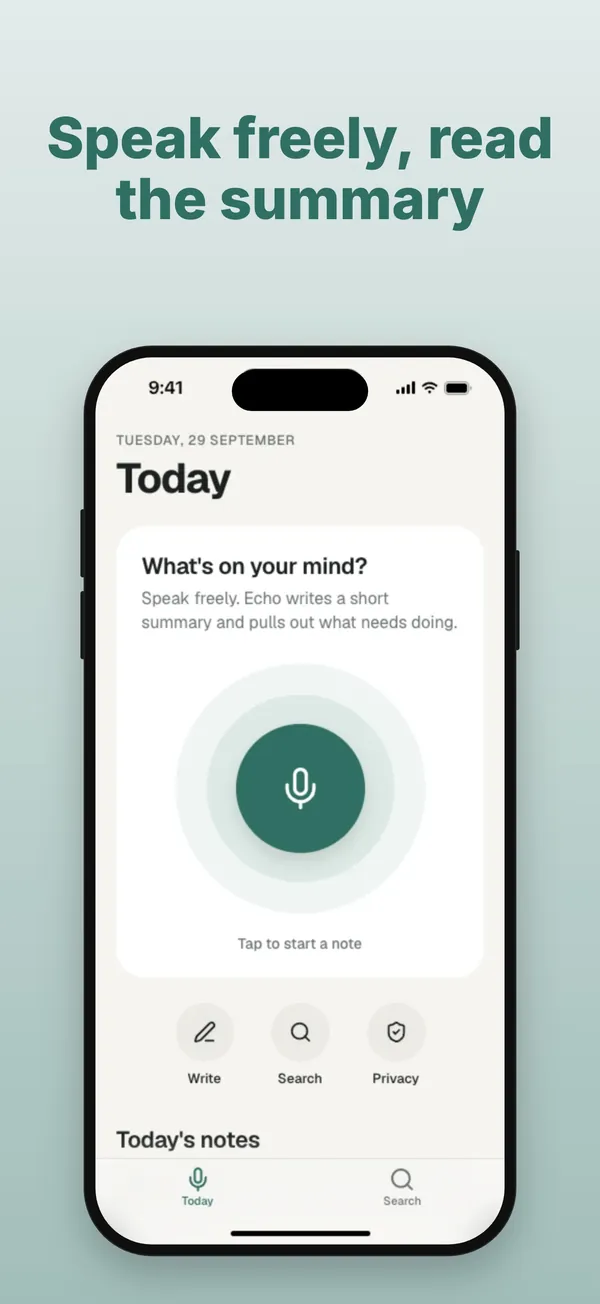
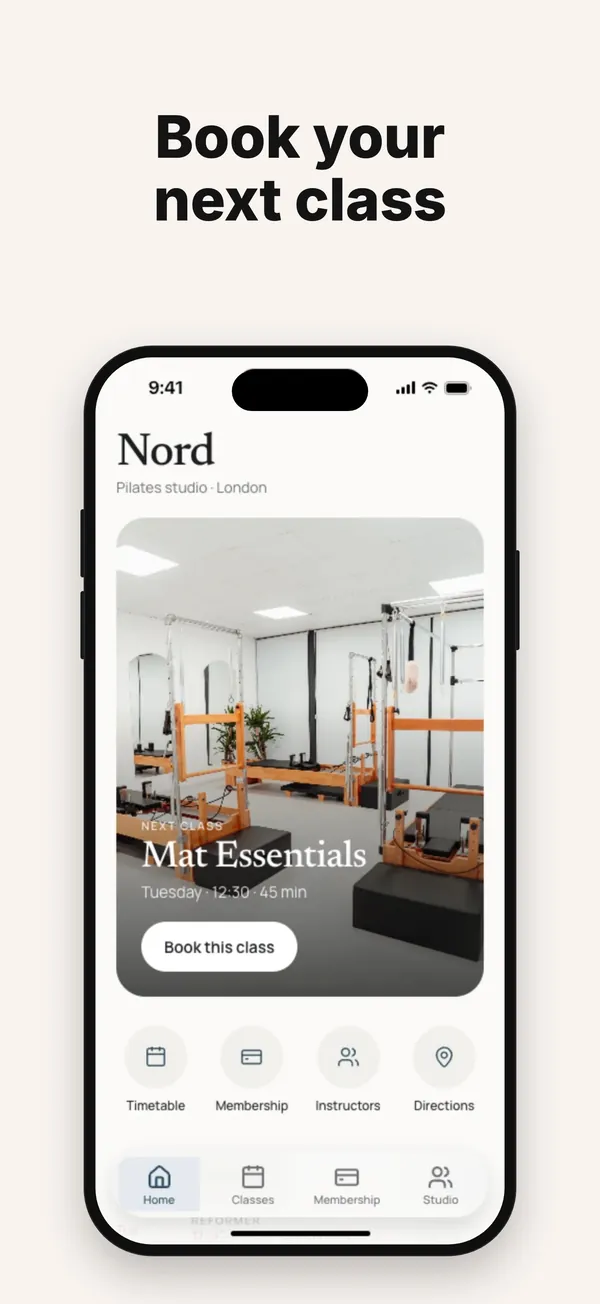
Each one is a real app built with frascati, photographed in the iPhone preview: first versions and the app templates you can start from.
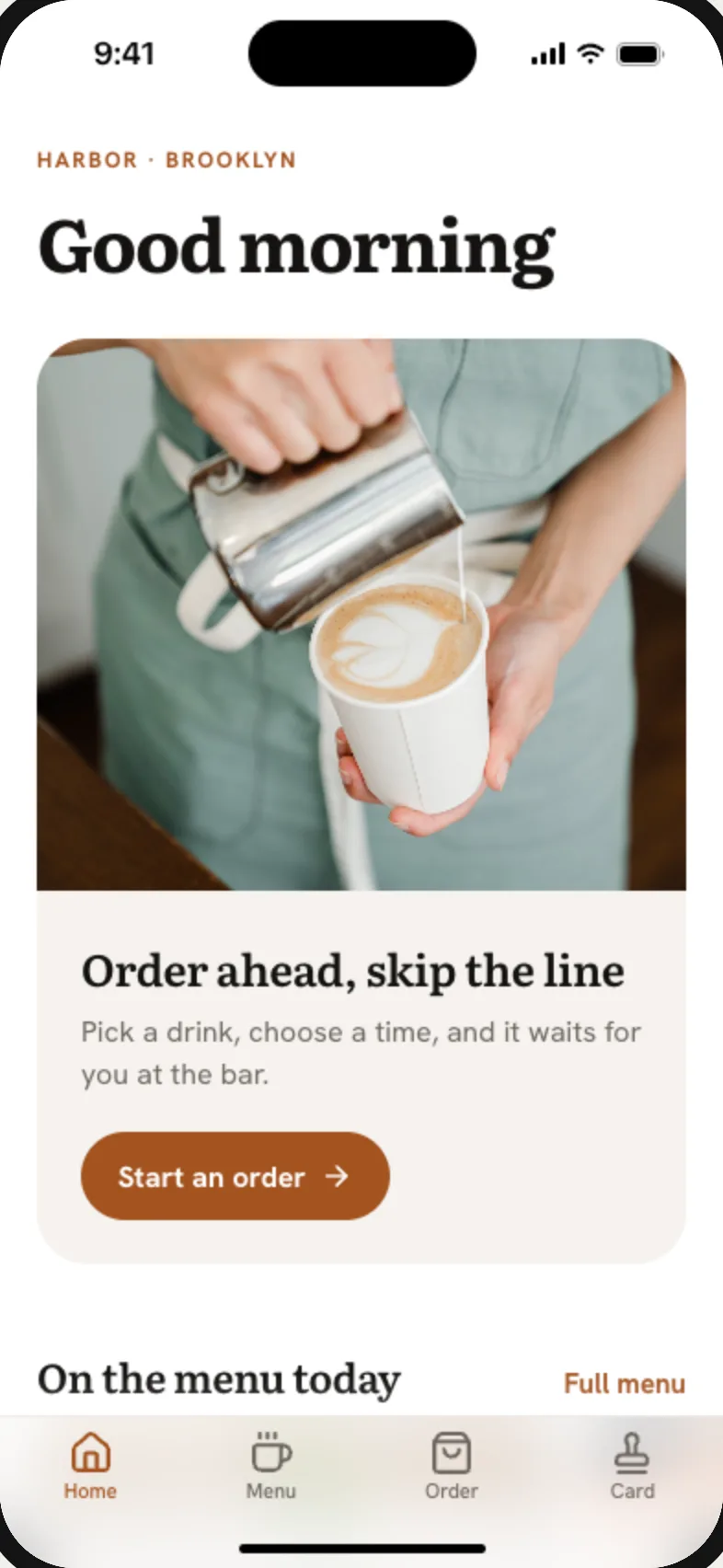
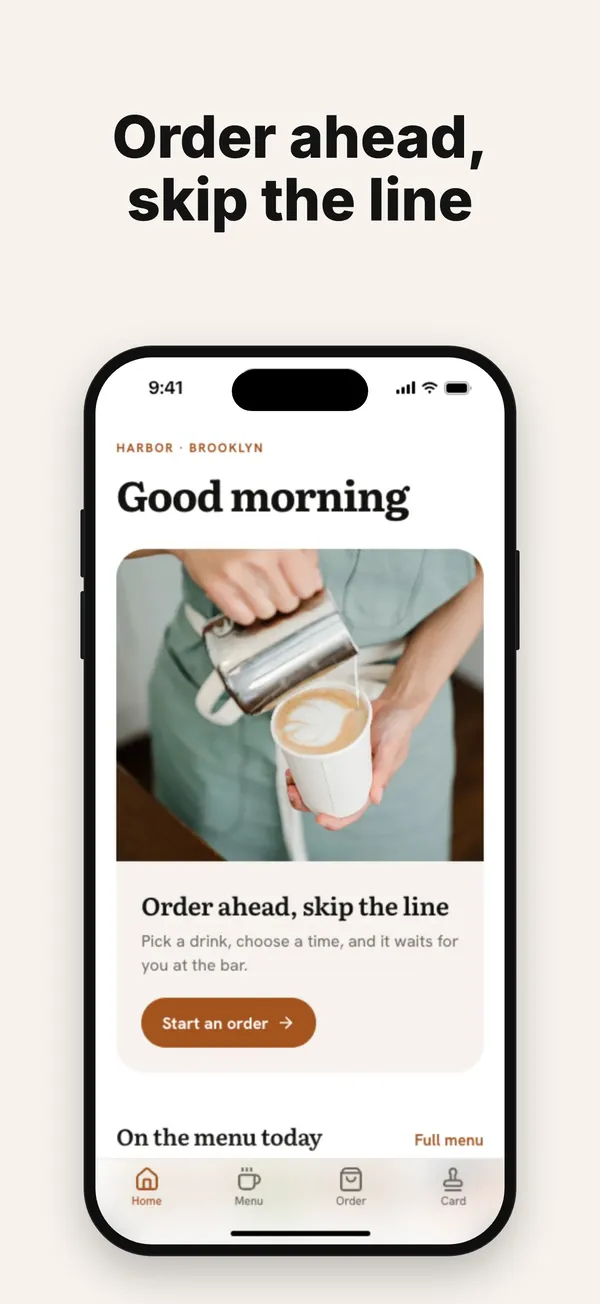
Harbor
Coffee bar
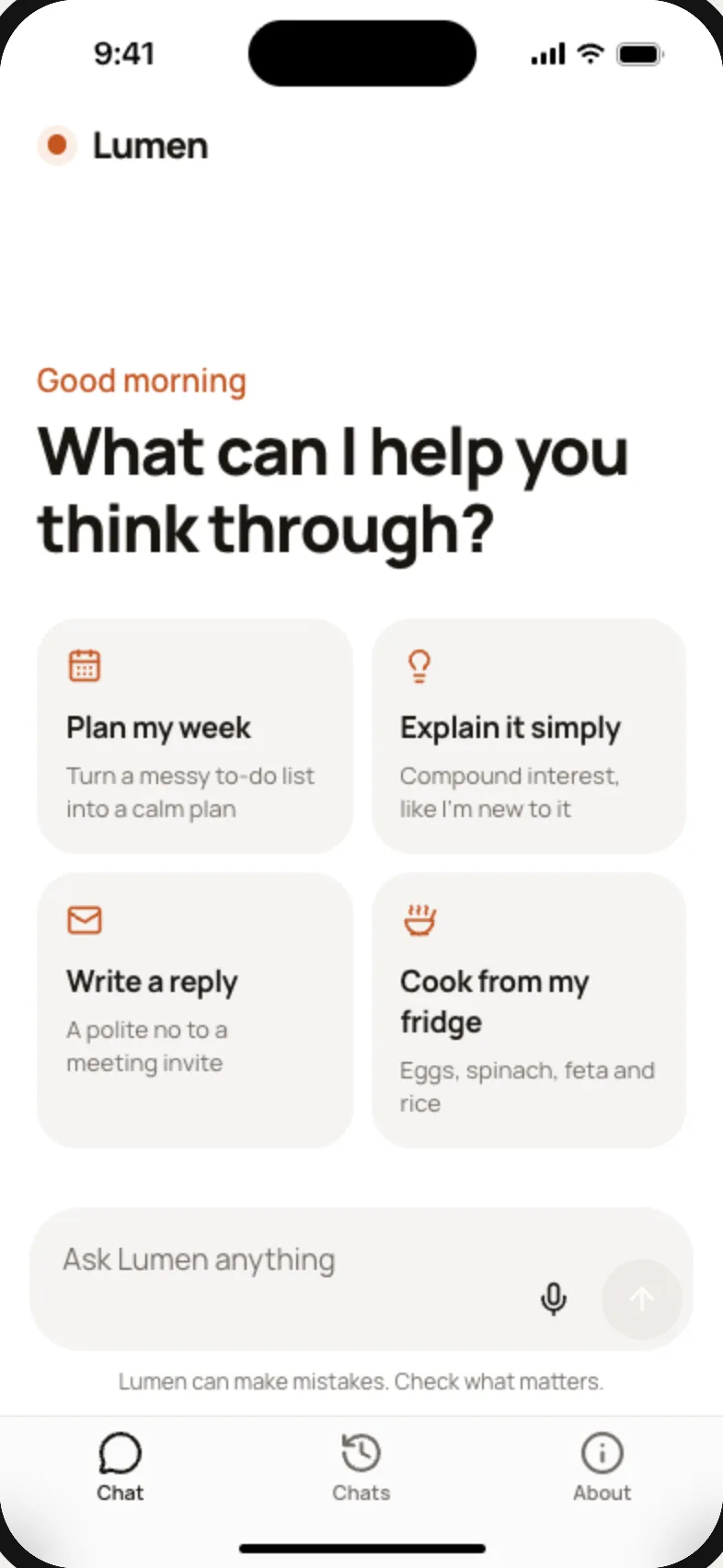
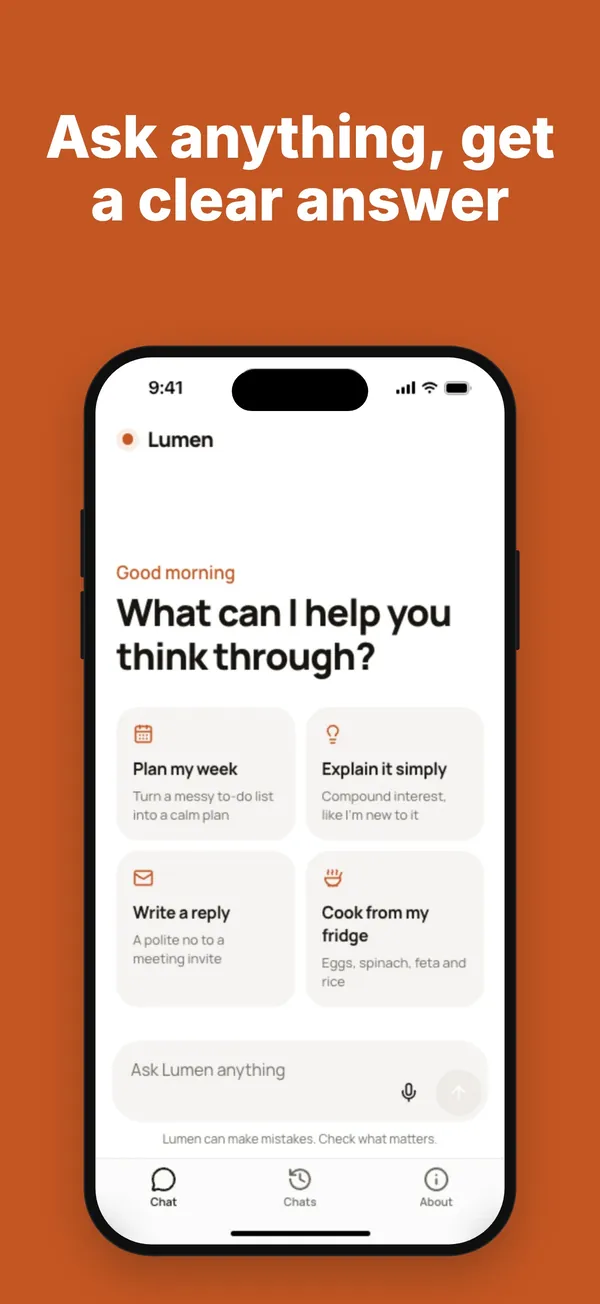
Lumen
AI assistant
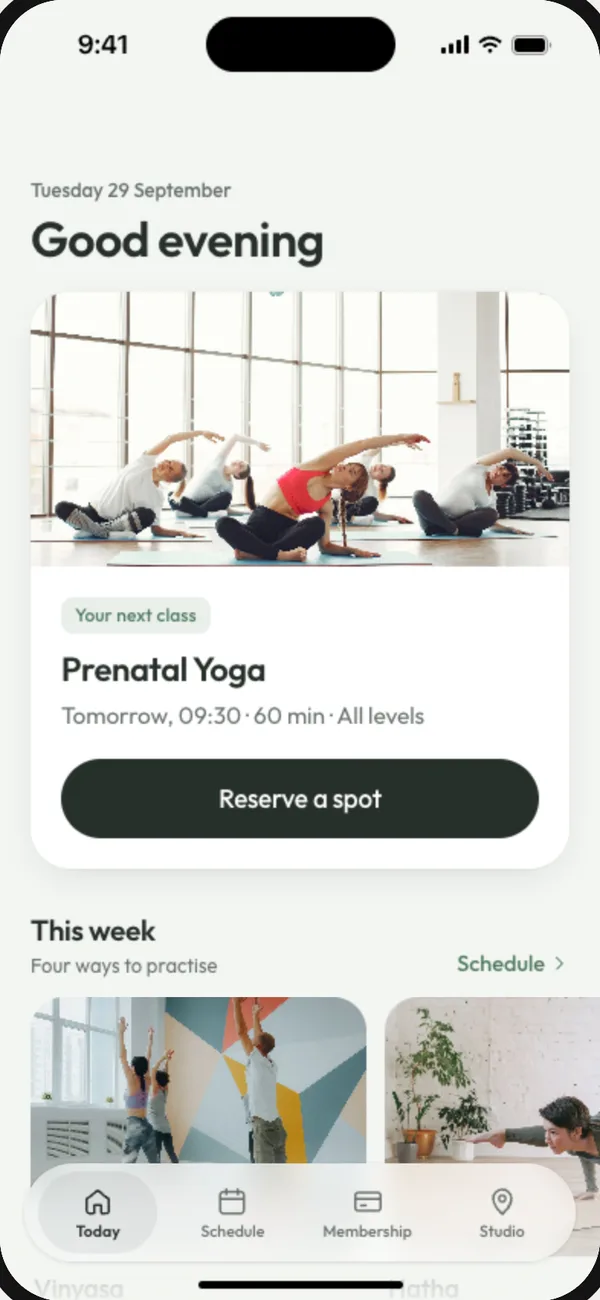
Linde Yoga
Yoga studio
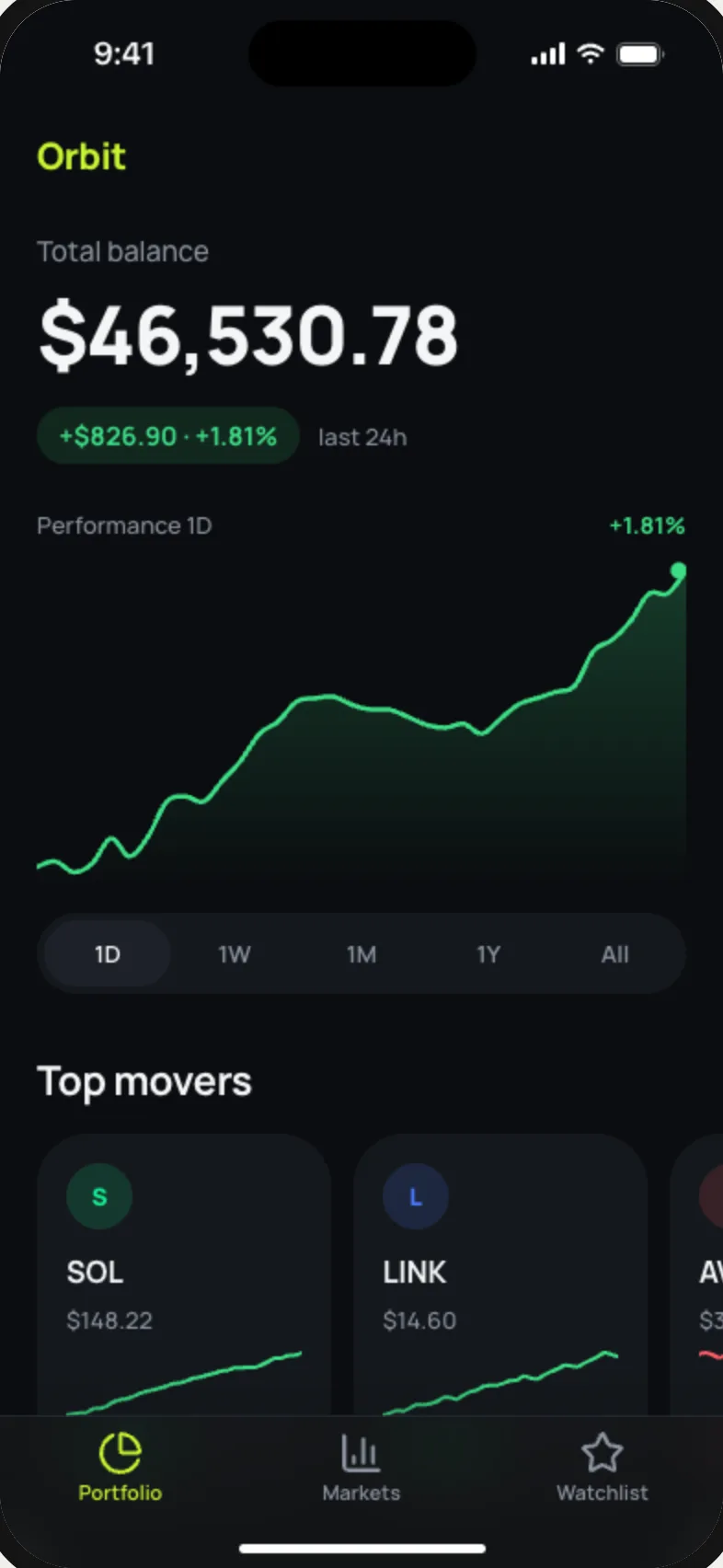
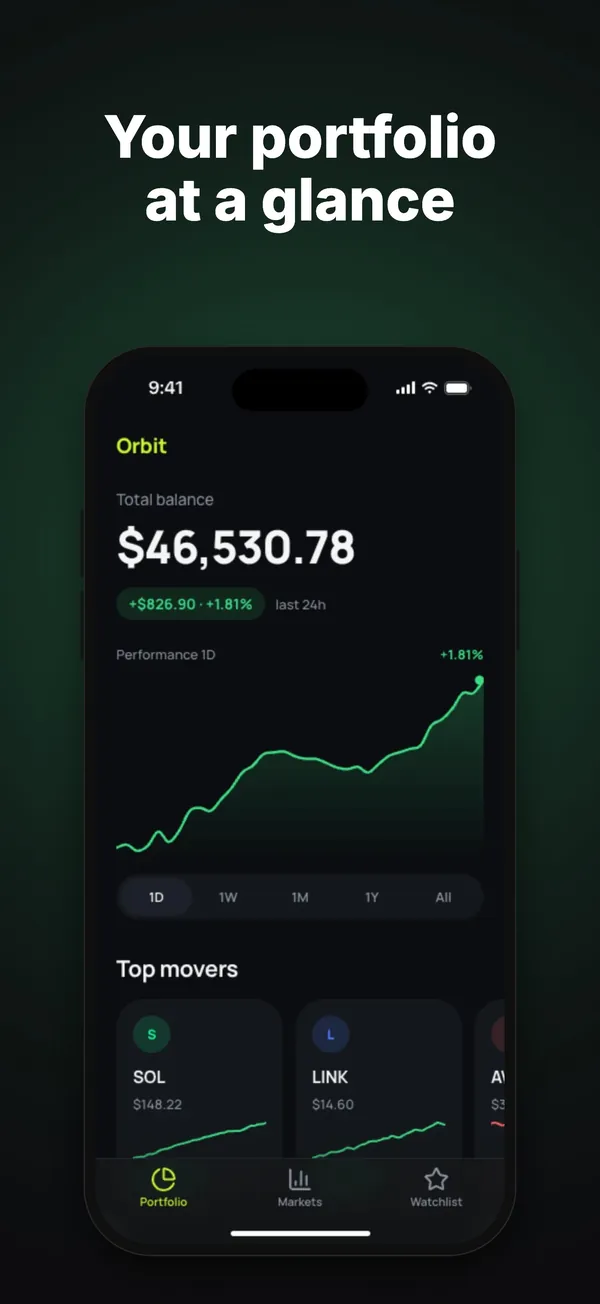
Orbit
Crypto portfolio
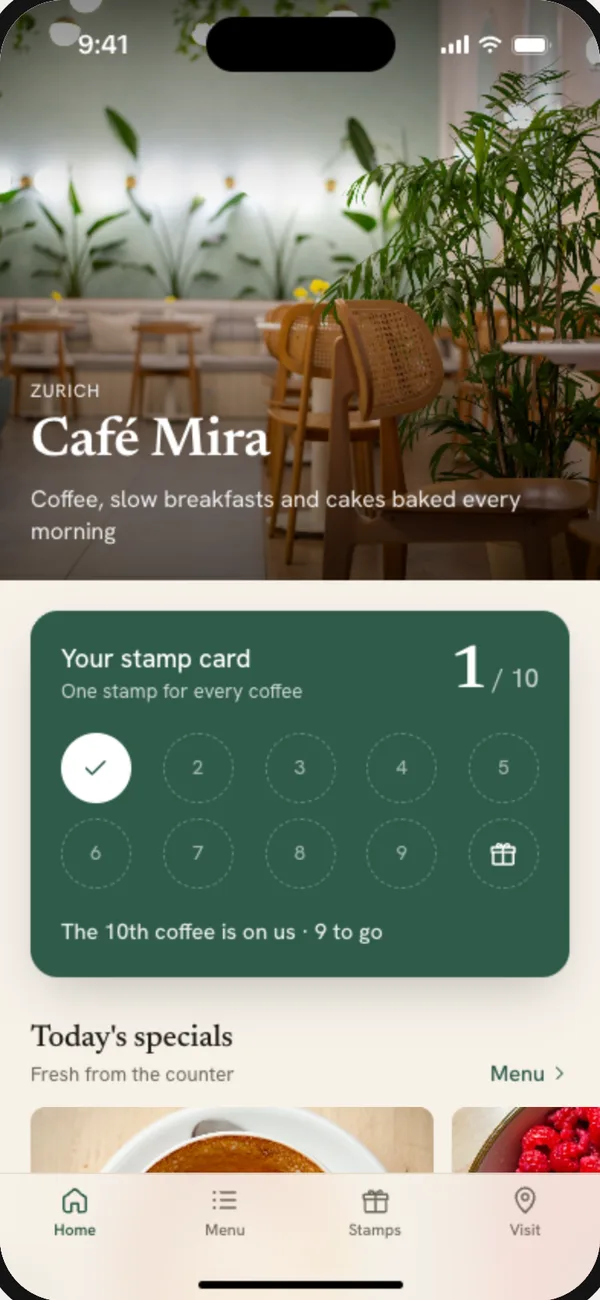
Café Mira
Café
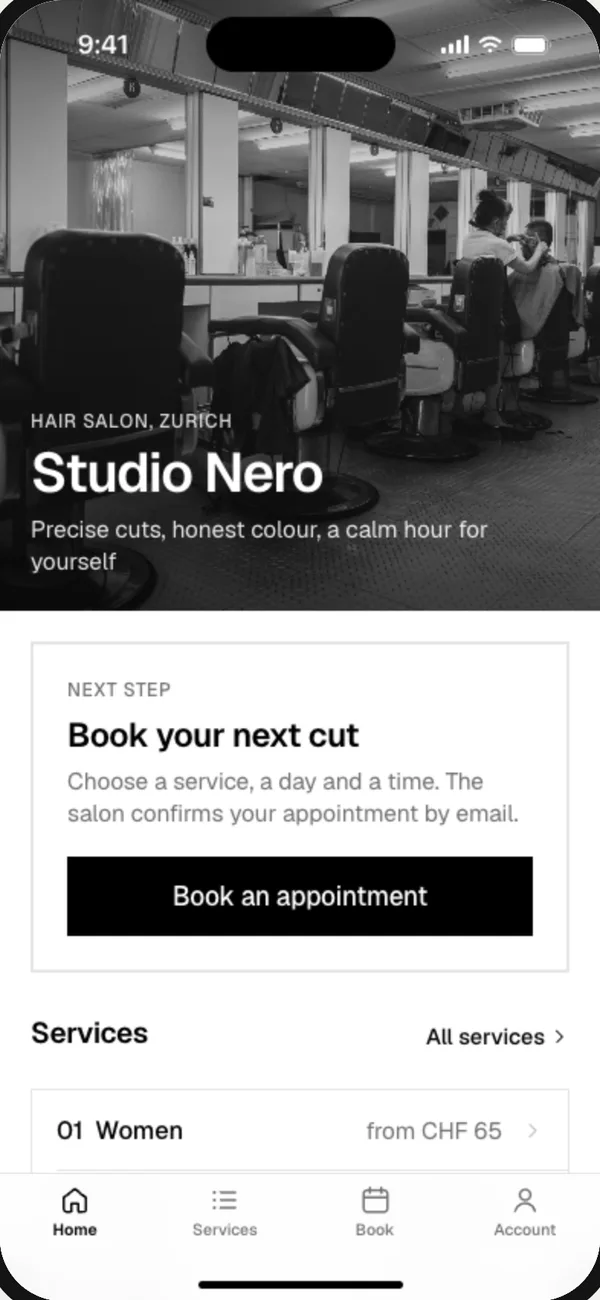
Studio Nero
Hair salon
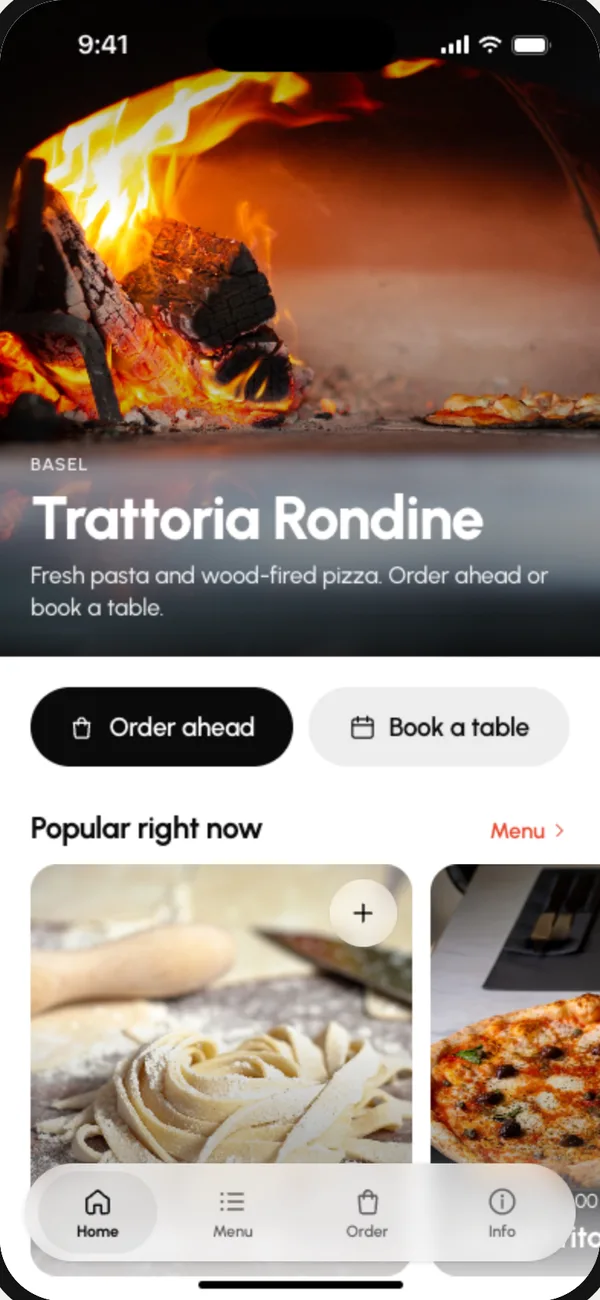
Trattoria Rondine
Restaurant
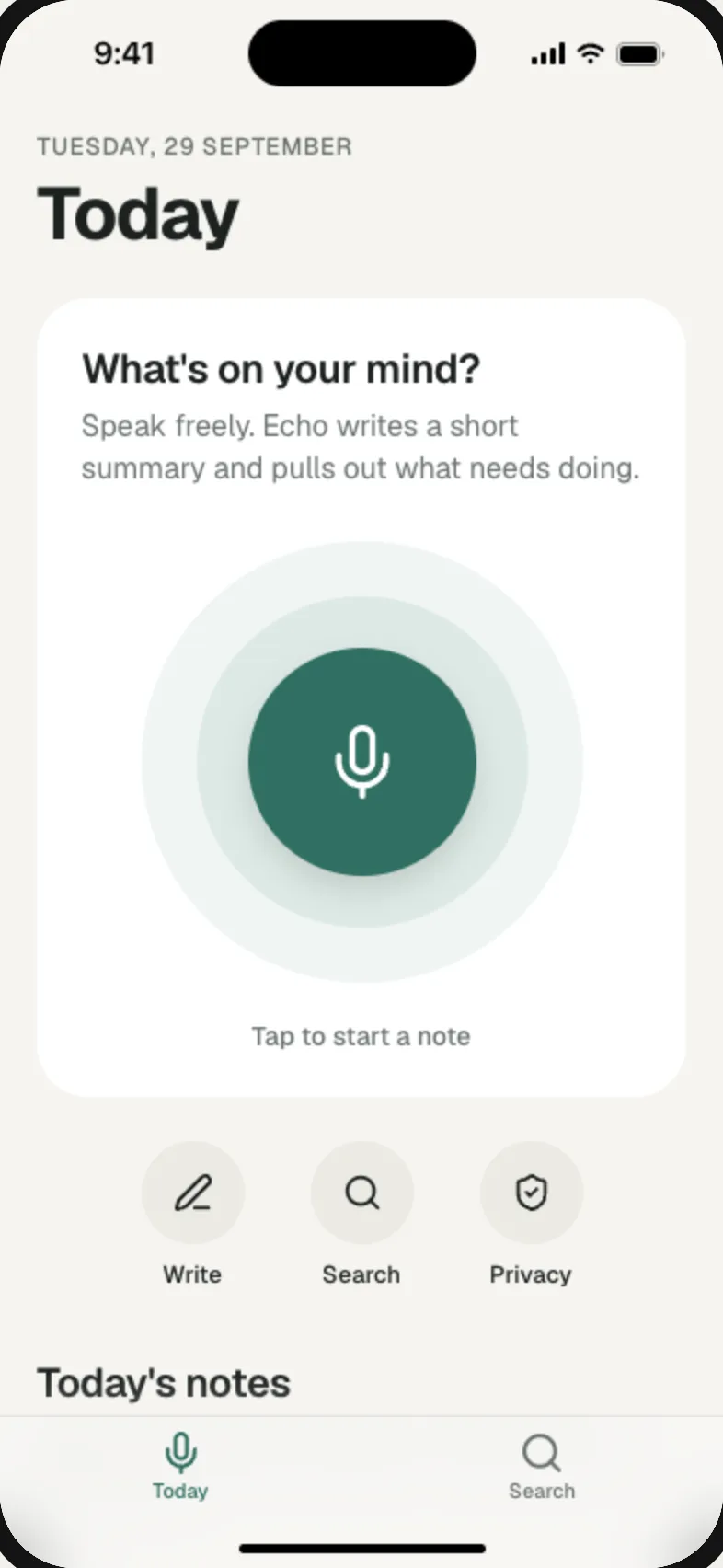
Echo
AI voice notes
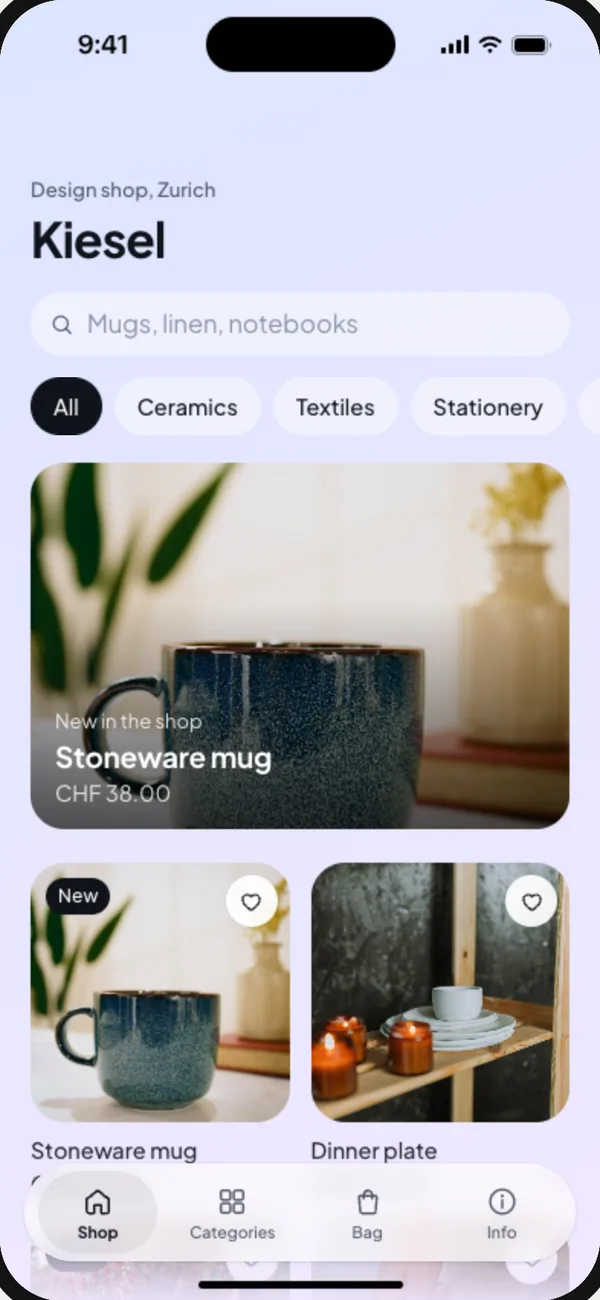
Kiesel
Design shop
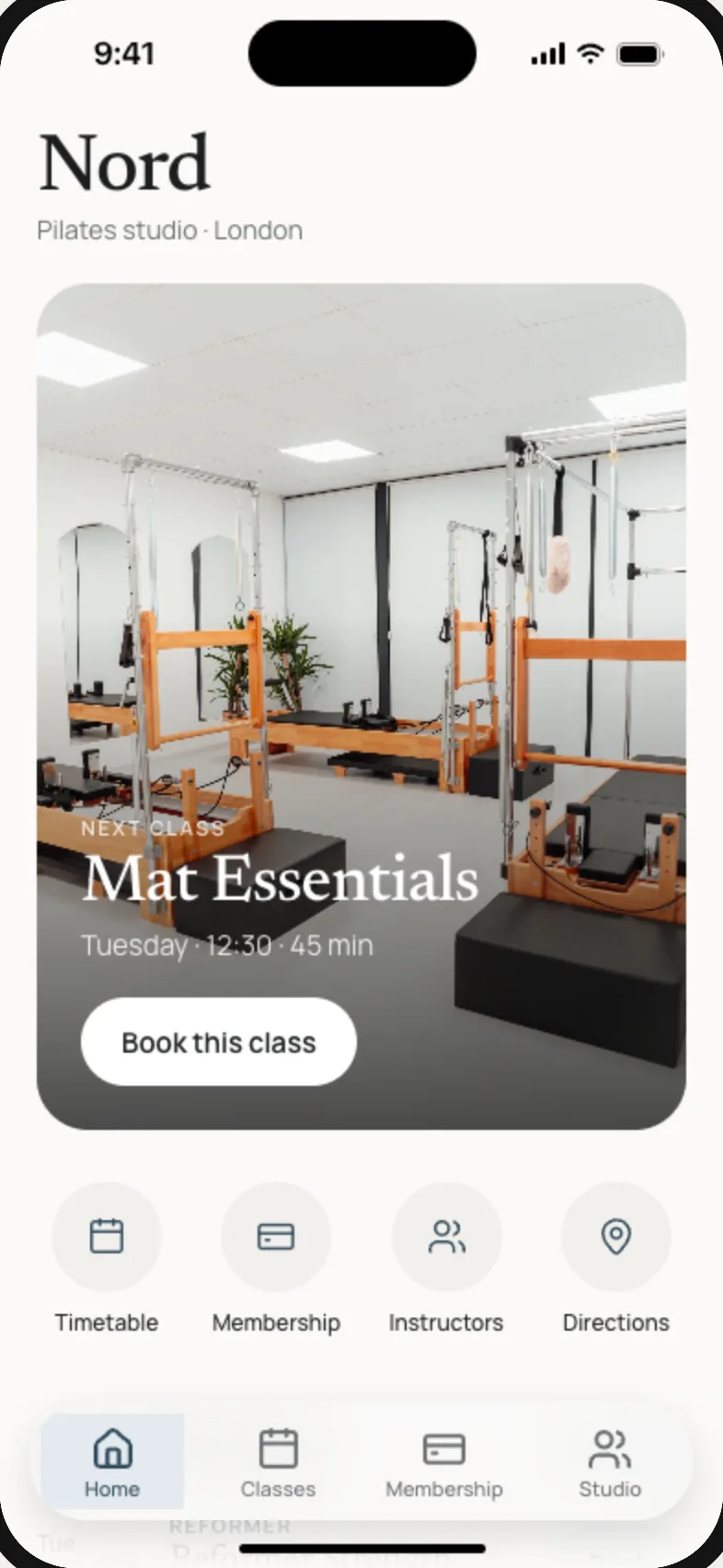
Nord
Pilates studio
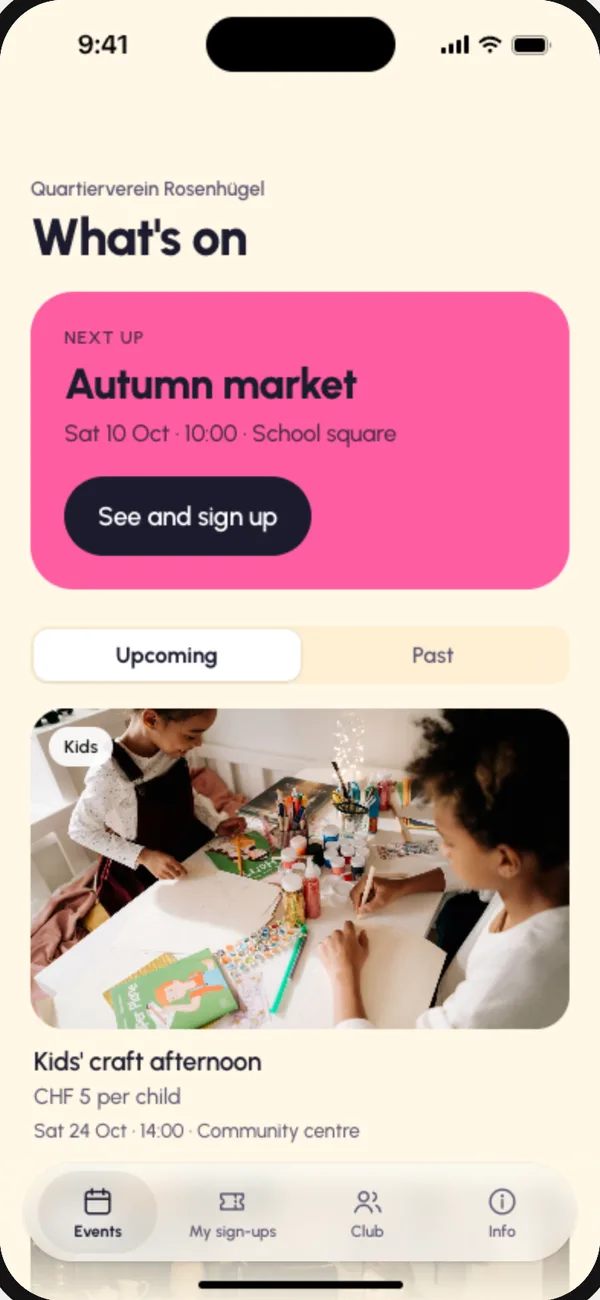
Rosenhügel
Neighbourhood club
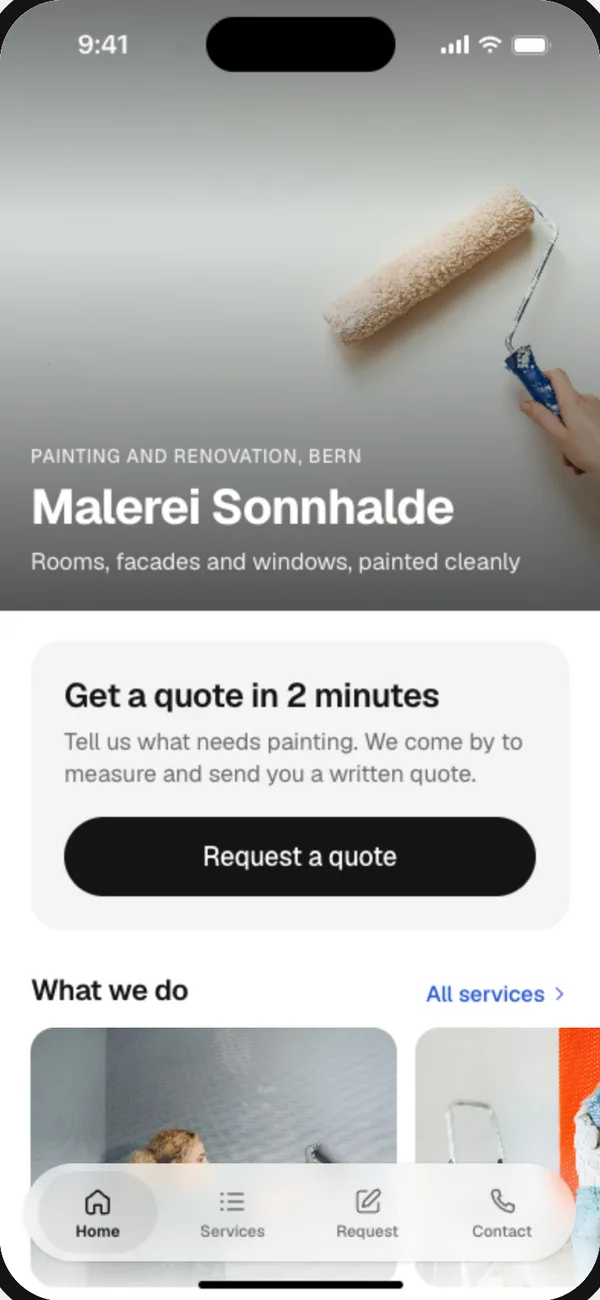
Malerei Sonnhalde
Painters
From a sentence to the App Store
- 01
Describe it
Write what your customers should be able to do: book a class, order ahead, collect stamps. Pick a style, or let frascati choose one that fits.
- 02
Watch it being tested
frascati builds the screens and checks each one at the size of a real iPhone. Then it uses the app like a customer would and fixes what it finds.
- 03
Try it on your phone
Scan a QR code and the app opens on your phone. Change anything by writing to frascati; every change is a new version.
- 04
Publish it
frascati builds, signs and uploads the app to your own Apple developer account and takes you through every step Apple asks for.
What your app can do
The parts a business app needs, built in when you ask for them in a sentence.
- Customer accounts
- People sign in with their email and a code, and find their orders, bookings or stamps on every phone.
- Payments and memberships
- One-off purchases and monthly plans, paid straight to your own Stripe account.
- AI inside the app
- A helper that knows your business, paid from your credits with a monthly limit you set.
- Content you update yourself
- Menus, classes and products live in Cloud tables, next to the entries people send from the app.
- A design check
- After the first build, the AI looks at the main screens like a designer and improves what it finds.
- Your code
- With Pro or Business, download the app project, for Google Play or to build the app yourself.
Not possible yet: push notifications, in-app purchases for digital content, maps inside the app, the camera, and signing in with Apple or Google.
Into the App Store under your own name
Apple wants every app published from its owner's developer account. frascati connects to yours with a key you create once, builds and uploads the app, fills in the listing with you and sends it to Apple's review.
- Pictures for the listing
- Make them with frascati photographs your app's screens and sets each in an iPhone with a headline, in your app's colors, at the size Apple asks for.
- When Apple asks for changes
- Paste Apple's message. The AI fixes the app and writes a short reply for App Review.
- Help at every step
- Short videos for each step, and Ask frascati, which knows where your app stands.
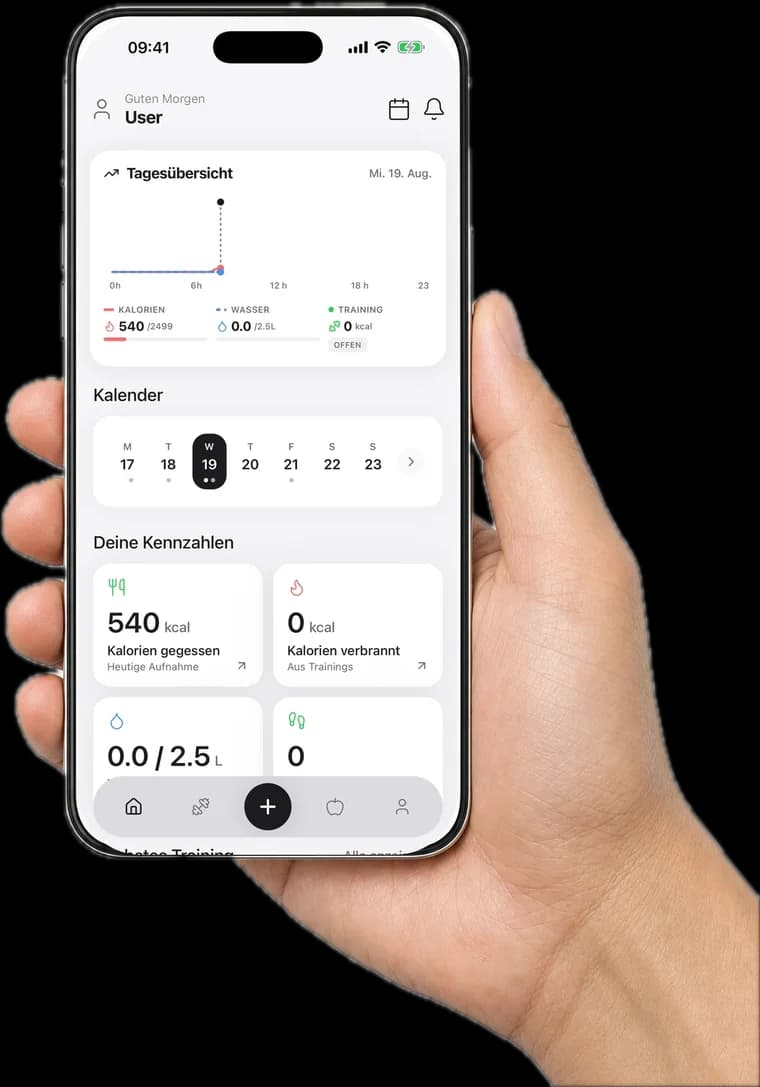
App Store pictures, made from the app itself
Four styles: Clean, Bold, Dark and Soft. The AI writes the headlines from your listing and the texts in your app, and you can change every one.
What it costs
- Build and try
- Every plan, from $12 a month after 3 free days. Building and changing apps uses your plan's credits.
- The App Store
- Pro from $29 a month, or Business. Apple charges 99 USD a year for its developer account.
- Google Play
- With Pro or Business, download the app project; the download explains the steps. Google charges 25 USD once.
Questions
- Do I need to know how to code?
- No. You describe the app in your own words and change it by writing to frascati. With Pro or Business you can also download the code.
- Does the app work on iPhone and Android?
- Yes, frascati builds one app for both. Publishing in the App Store is guided inside frascati; for Google Play you download the app project, which explains the steps.
- What do I need for the App Store?
- Your own Apple developer account, which costs 99 USD a year, and the Pro or Business plan. Apple requires that apps are published by their owner, so your app appears under your name.
- How do I try the app before it is published?
- Click On your phone in the editor and scan the QR code. The app opens in your phone's browser, and you can add it to your home screen.
- What can the apps not do yet?
- Push notifications, in-app purchases for digital content, maps inside the app, the camera, and signing in with Apple or Google.
- What if Apple rejects the app?
- Paste Apple's message into frascati. The AI fixes what Apple asks for, tells you step by step what to change in App Store Connect if needed, and writes a reply you can paste into App Review.